Media operations infrastructure

Make the media you already paid to create work harder over time.

Stop fixing lost footage, slow retrieval, duplicate storage, and repeat work one problem at a time. Vaultline maps your operation, builds the right foundation, and helps it keep working on your hardware.

Originals stay where they are. No migration, per-seat fees, or forced software swap.

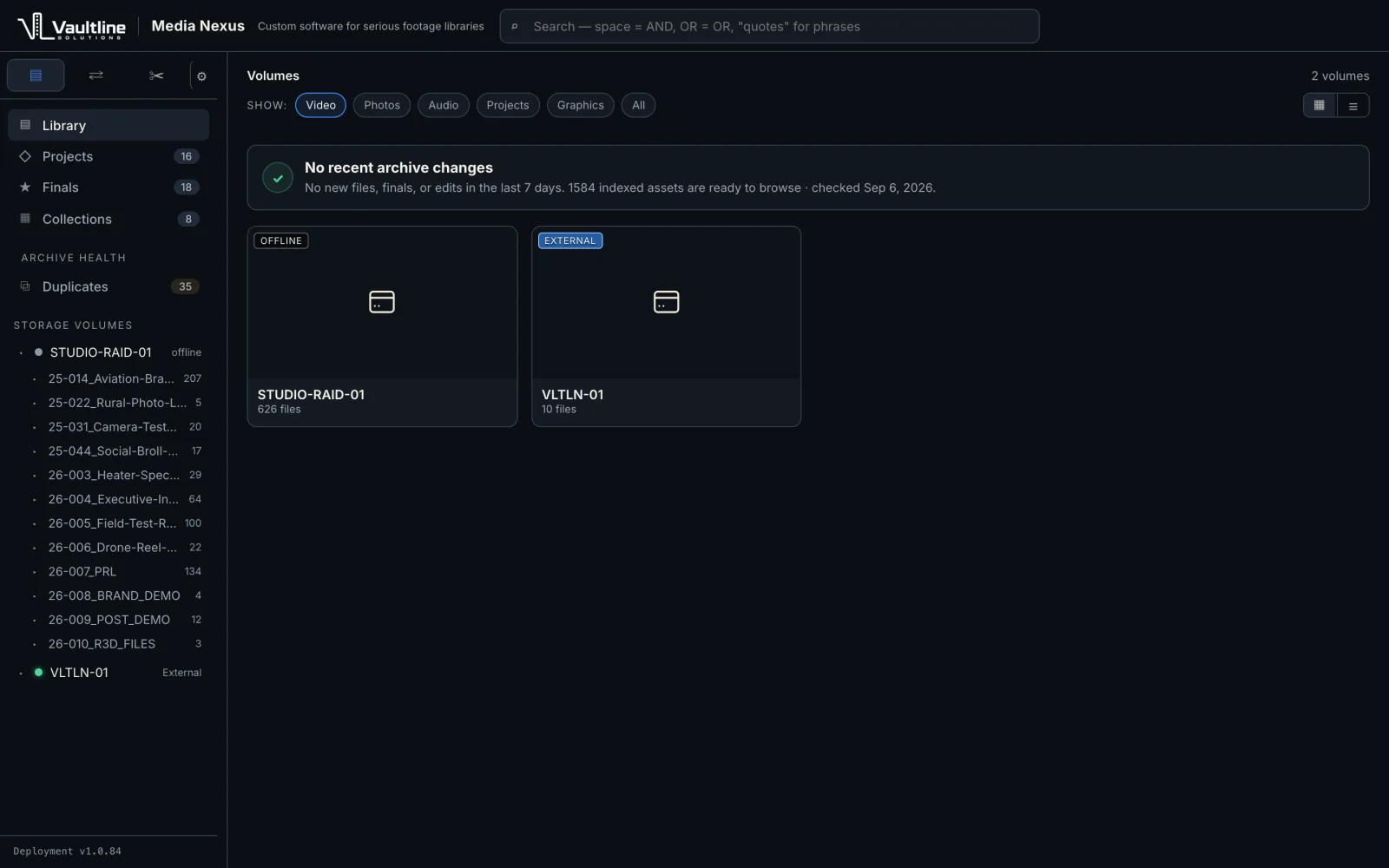
Media Nexus
Search in

YoursInstalled on your hardware
$499A clear way to start
90 daysStabilization after the Pilot
ZeroPer-seat fees, ever
OneSystem that compounds
Teams building on Vaultline
Client 01
Client 02
Client 03
Client 04
Client 05

An archive is only worth what you can find in it. Most teams already own the footage, the drives and the storage. What they don't own is a system that knows what's on them — so the work of remembering falls to whoever has been there longest.

What it does

One foundation. Many ways to make your operation work better.

Every Vaultline system starts with a searchable archive built around your existing storage. From there, we add the workflows, automations, and interfaces your team needs — without replacing the foundation or forcing you into a fixed software suite.

Transcript + tag search1,564 indexed
warehouse interview, clean background
0:31 1:02 0:47
Matched onTranscript + AI tag
SourcePrimary Storage

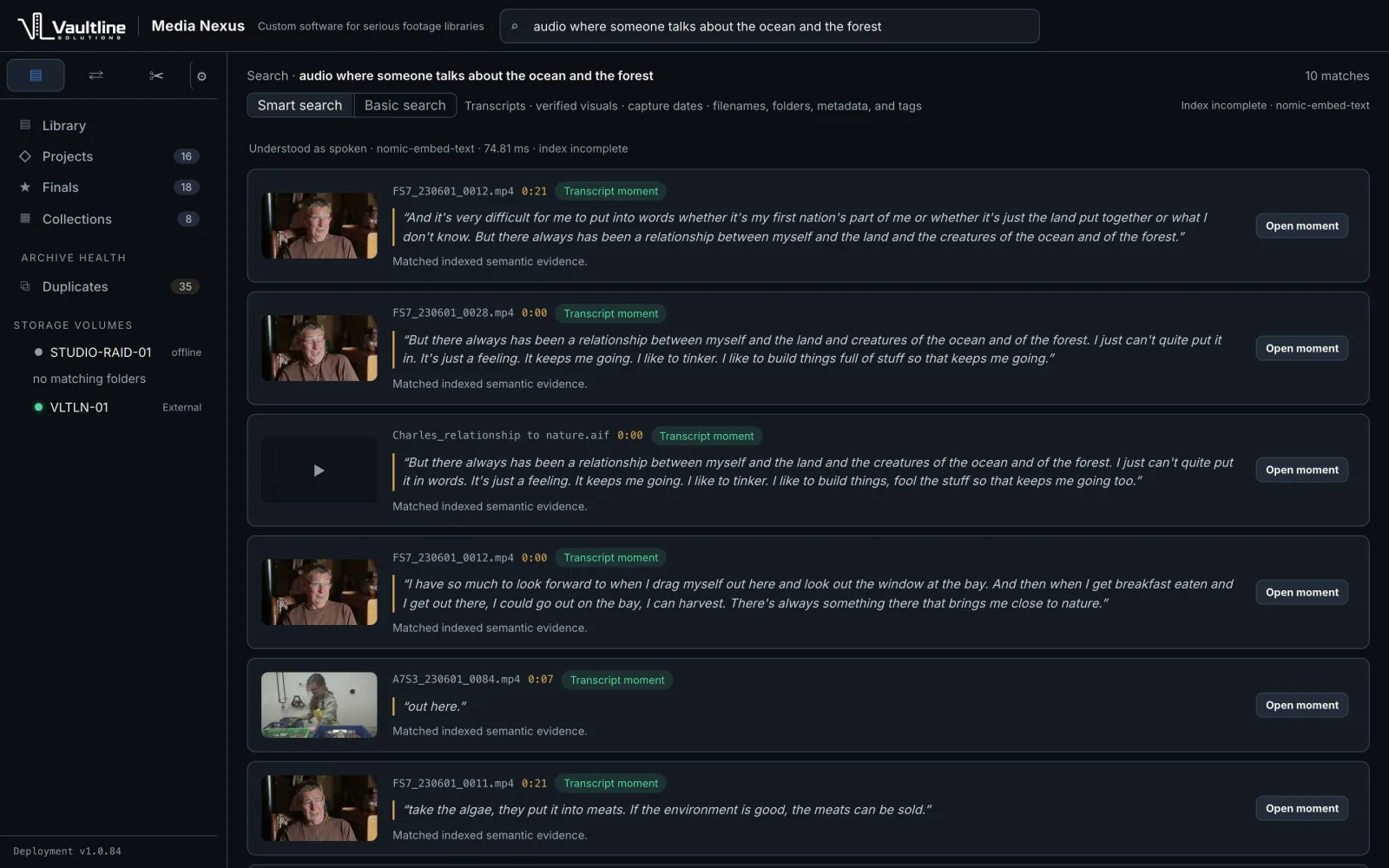
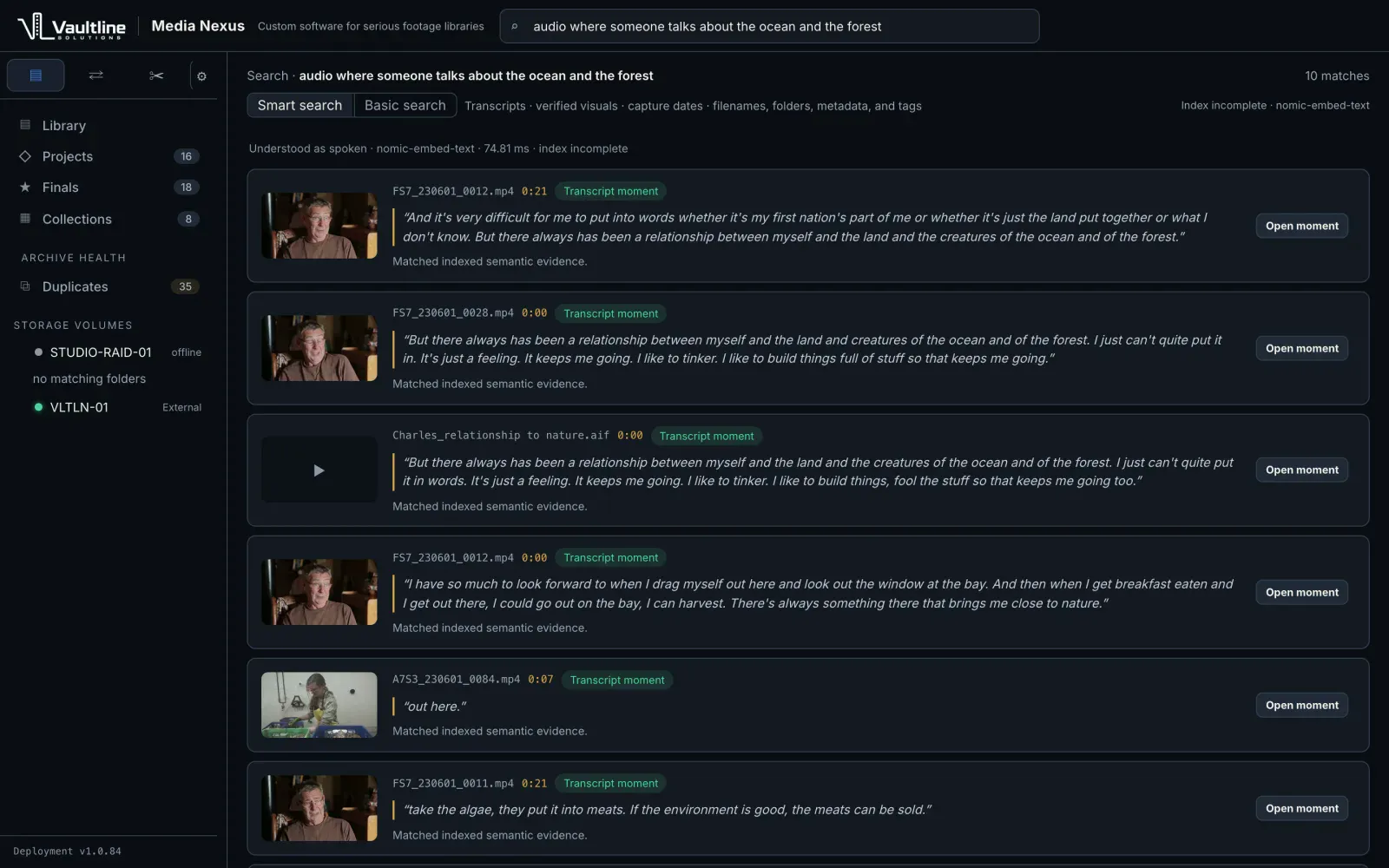
Search what was said and what was seen.

Find footage by transcript, visual tags, filenames, folders, paths, and metadata — separately or all at once.

Similar-shot searchProject archive pagesFinals & deliverables index

More of what we can build into the same system.

Explore many of these capabilities in the live Sandbox. Your Archive Pilot establishes the foundation; each next capability can be configured from proven Vaultline components or built around the parts of your workflow that are unique.

Search filenames, folders, metadata, AI tags, human tags, and transcripts together
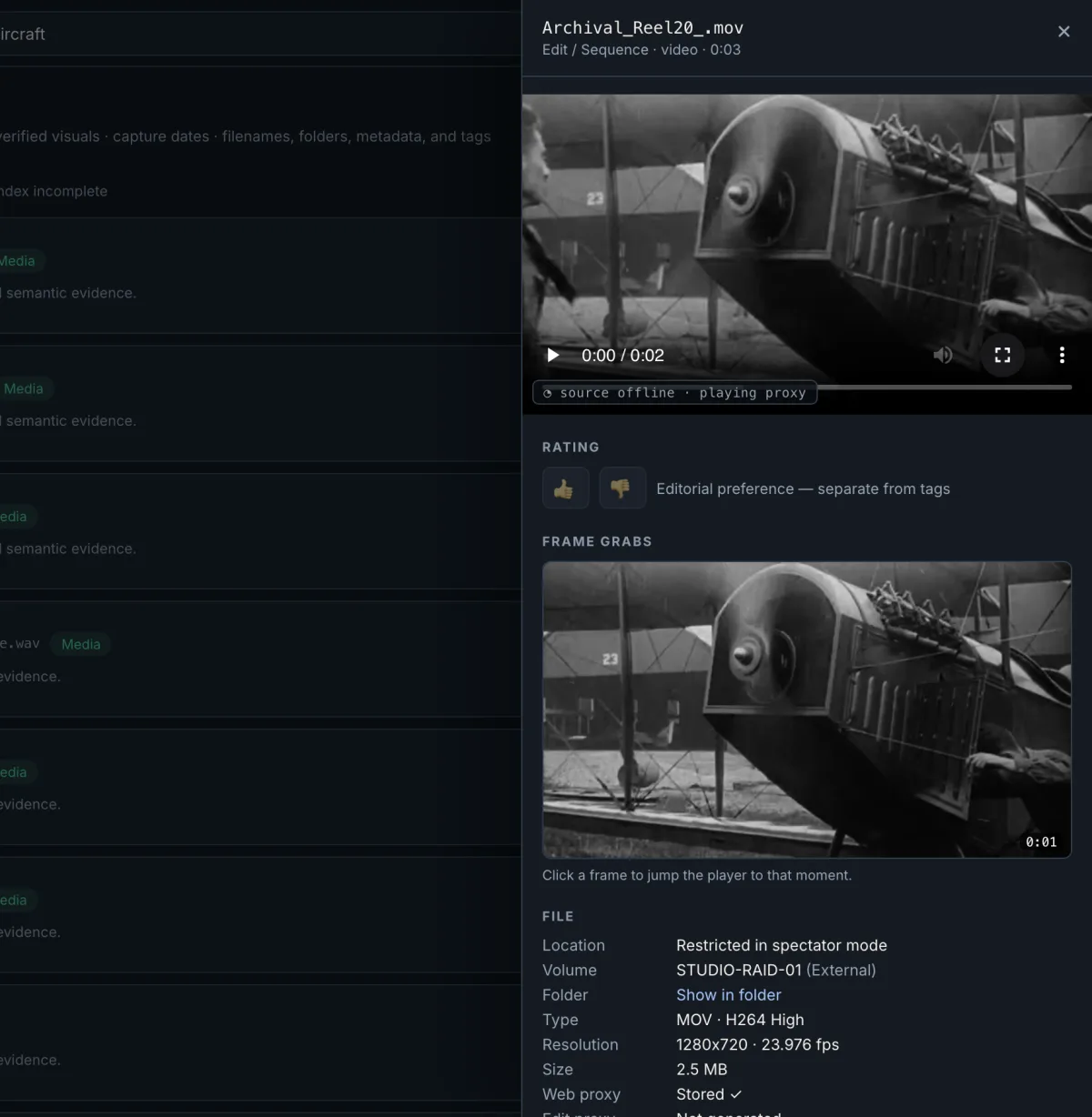
Browse video, photos, audio, graphics, projects, finals, and sound bites
Preview media and build reusable collections without moving the originals
Surface orphaned files and exact duplicates with every location shown
See storage usage, recently indexed media, new finals, and folders touched
Track drives, custody, copy counts, and media that still needs protection
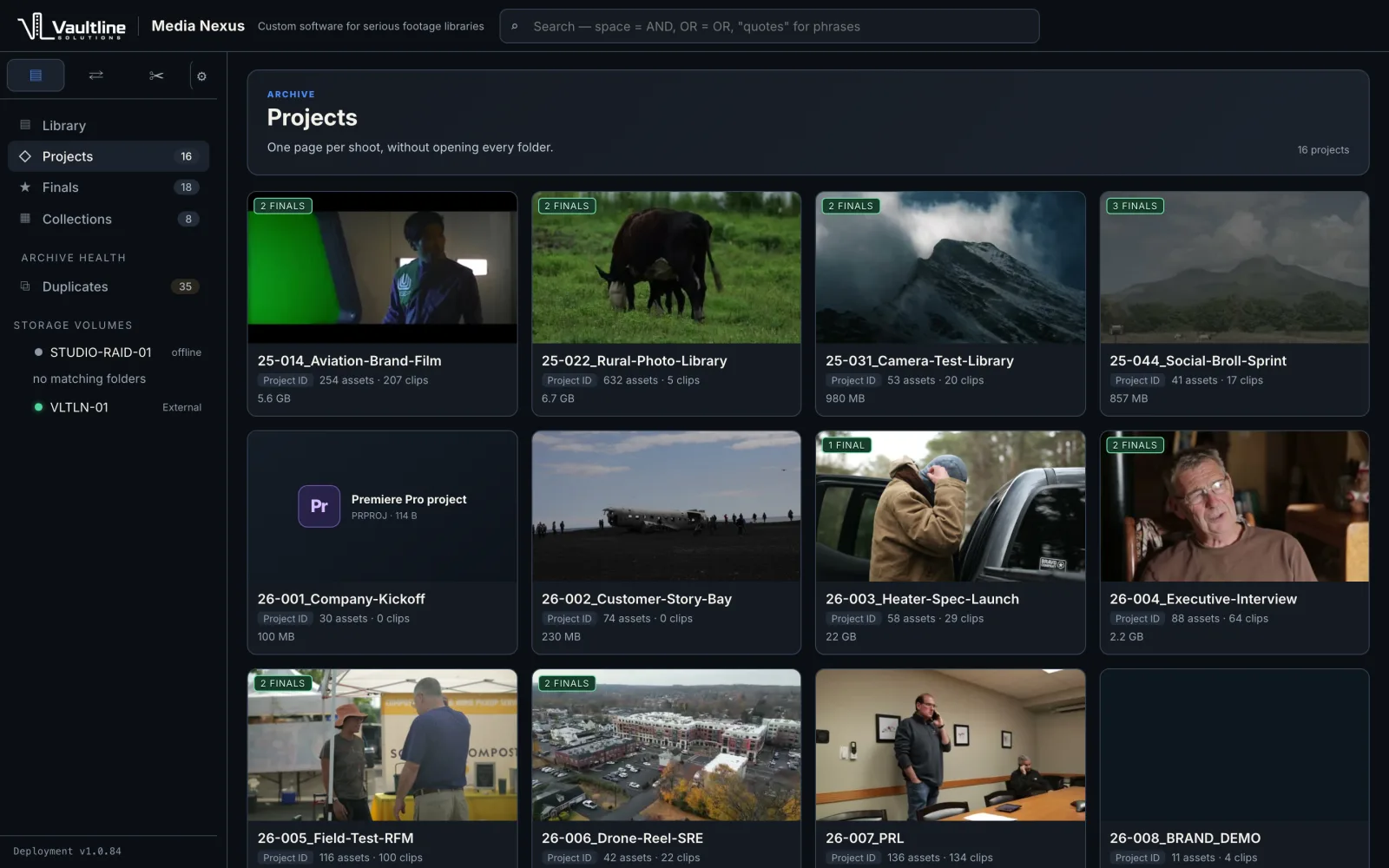
Manage photo projects, edit queues, selects, and finals from one view
Follow every edit from project file to export, review, approval, and final
Detect Premiere Pro, DaVinci Resolve, and After Effects project files automatically
Flag stale edits, version conflicts, missing sources, and duplicate exports
Identify finals delivered without a recorded approval or review step
Keep review links, timecoded comments, decisions, and delivery status together
Generate local transcripts, visual tags, thumbnails, waveforms, and proxies
Verify card copies and apply naming and folder conventions during ingest
Create secure retrieval and transfer workflows for remote editors
Send alerts when ingest, processing, transfer, or backup jobs need attention
Connect existing tools through APIs, webhooks, Slack, or email
Automate the process currently held together by a spreadsheet

These are examples, not package limits. If your operation needs something else, we scope and build it on the same foundation.

Explore these features in the Sandbox
What we've solved before

Nothing here is a product you switch on.Every build is designed for one team.

These are problems we've solved before, so you aren't paying anyone to work them out again. What gets built for you is still designed around your storage, your naming and your process — and where your operation needs something none of these cover, that gets designed too.

Fig 01 / Archive Find any shot fast. Search filenames, folders, paths, AI tags, transcripts. Preview, collect, retrieve.
Fig 02 / Relay Track every drive. Which volume holds what, who took it, and what isn't backed up anywhere.
Fig 03 / Ingest Verify every card. Copy, checksum, rename to your convention, and log it before anything is wiped.
Fig 04 / Photo Shoot to selects. Cull, mark, and push a round to the client without rebuilding a gallery by hand.
Fig 05 / Review Notes on the cut. Timecoded comments, version history, and sign-off attached to the footage.

Nobody needs all five. Most builds start with two, shaped to how that team already works.

Already built — you don't pay to invent it Configured to your conventions Built for you, from scratch

Rough shape of a typical build. Start a media system from zero and the first two bands are most of the invoice. Here they're the part that's already done.

30Matching groups
63Files to review
2.4 TBExtra copies
Exact matchGroup 013 copies · 1.8 GB each
A003_01020155_C007.mov02_MEDIA/CAMERA/A_CAM
A003_01020155_C007.movSHUTTLE_DRIVE_03/DAY_01/A_CAM
A003_01020155_C007.movBACKUP_NAS_01/PROJECTS/2025/RAW_FOOTAGE
Exact matchGroup 022 copies · 1.2 GB each
A004_01020225_C003.mov02_MEDIA/CAMERA/A_CAM
A004_01020225_C003.movARCHIVE_RAID_02/UNSORTED_INGEST/DAY02

Grouped for review — never deleted automatically.

Archive health

The mess is measurable.

Before anything gets better, you need to see what's actually there. Vaultline surfaces the duplicates, the orphans, and the files nothing points at anymore.

  • Exact-match duplicates grouped with every location shown
  • Orphaned files flagged, never auto-deleted
  • Storage headroom tracked per volume
  • You decide what goes — the system just stops hiding it
What a build is

You're not buying software.You're hiring the build.

There's no trial, no seat count, and no dashboard you log into forever. There's a system that gets designed around your operation, installed on your hardware, and handed over.

01 / Document A written system blueprint

What gets built, which areas, how it sits on your storage, and what day one looks like — before anyone writes code.

02 / Software A system configured to you

Your naming rules, your folder structure, your roles, your review states, your words for things.

03 / Install Running on your hardware

Installed in your environment, indexing your real storage, with your team walked through it.

04 / Aftercare 90 days of tuning

Real footage finds the rough edges. We keep adjusting until the team reaches for it without being asked.

How it works

Four steps, no surprises.

You see the system before you buy it, and you know the shape of the build before we write a line of it.

01 Assessment

A call through how footage actually moves — storage, naming, handoffs, and where it jams.

One conversation
02 Blueprint

A written system shape: which parts, how they fit your storage, what day one looks like.

Before you commit
03 Build & install

Configured to your conventions and installed in your environment, on your hardware.

Scoped in the blueprint
04 Tuning

Real footage finds the rough edges. We keep adjusting until the team reaches for it by default.

90 days, included
Builds

What we've built.

Each system was configured around one team's storage, naming, and workflow.

01 / Client name

One-line result headline.

One or two sentences on what was broken and what the system changed. Keep it concrete.

00%Metric label
02 / Client name

One-line result headline.

One or two sentences on what was broken and what the system changed. Keep it concrete.

00 hrsMetric label
03 / Client name

One-line result headline.

One or two sentences on what was broken and what the system changed. Keep it concrete.

000 TBMetric label
In their words

What the teams say.

“Quote goes here. One or two sentences, in the client's own voice, about what changed day to day.”
NameRole, Company
“Quote goes here. One or two sentences, in the client's own voice, about what changed day to day.”
NameRole, Company
“Quote goes here. One or two sentences, in the client's own voice, about what changed day to day.”
NameRole, Company
Offer ladder

Build the media operation your team actually needs.

Every higher engagement contains the work below it. Start with a clear diagnosis, move into a fixed foundation when the fit is right, or scope the complete system from the beginning.

01 / Start here

Media Operations Blueprint

$499
One-time · paid diagnosis and roadmap
  • One working session to map how media is ingested, found, handed off, protected, and reused
  • A concise media-operations roadmap with prioritized recommendations and explicit unknowns
  • A recommended system design: keep, change, pilot, or defer
  • A written handoff within five business days of the working session
Boundaries and next step
MapRecommend No installationNo changes to storage

If you move directly into an Archive Pilot or Bespoke Build, the $499 Blueprint fee is credited to that written project scope.

Request a Blueprint
02 / Fixed foundation

Media Nexus Archive Pilot

$4,669
One-time · installed on suitable existing hardware · yours to keep
  • Everything in the Media Operations Blueprint, including its discovery and system recommendation
  • A defined Media Nexus Archive deployment around one approved storage environment
  • Configuration for agreed naming, folders, search fields, and team handoff
  • Installation, operator orientation, and 90 days of stabilization for the approved Pilot scope
Fit, exclusions, and upgrade
Existing suitable hardwareOne archive foundation No new hardwareNo custom modules or integrations

We confirm hardware, storage access, and the single Pilot outcome before work begins. A Pilot that becomes a Bespoke Build rolls its $4,669 fee into the approved build scope.

03 / Complete system

Bespoke Media Operations Build

Custom
Quoted scope · phased implementation · hardware planned and procured with you
  • Everything in the Blueprint and Archive Pilot, shaped around the full operating problem
  • Custom Media Nexus modules, workflows, and integrations where proven components do not fit
  • Hardware architecture, procurement coordination, setup, installation, and implementation planning
  • A phased build plan with price, responsibilities, and timing confirmed before each approved phase
When it is the right path
Custom workflowsIntegrations Hardware implementationPhased delivery

Hardware and third-party costs are approved separately. Prior Blueprint and Pilot fees are credited against the written Bespoke Build scope.

Plan a Bespoke Build
After installation

Neither membership is required. Care protects every purchased system; Partner proactively improves every module the customer owns.

Care

Async-first support, compatibility, updates, troubleshooting, bug fixes, and maintenance for purchased systems, plus recommendations and free scoping for future improvements. Live time is scheduled when it is the best way to solve the issue.

$600 / mo
Partner

Everything in Care, plus proactive recommendations, roadmap ownership, priority access, and continuous reasonable improvement inside every module you already own. New modules, infrastructure, major migrations, and unbounded custom development remain separately scoped at 10% preferred pricing.

$1,800 / mofounding · $2,400 standard

During the included 90-day stabilization period, the $600 monthly Care value is credited toward Partner, making the upgrade $1,200 per month at the founding price. There is no required monthly call.

Standalone tools

Useful utilities, without a custom-build commitment.

Drive InspectorAvailable now · free drive and media inventory Vaultline IngestIn development · a focused utility for cleaner media intake
Questions

The ones that come up first.

What is the difference between the paid Blueprint and the free field guide?

The free field guide explains the case for treating media as infrastructure. The $499 Media Operations Blueprint is a paid, team-specific working diagnosis that produces a roadmap and recommended system design for your operation.

Do we have to move our media?

No. Vaultline indexes your storage in place. Originals stay on the RAID, NAS, or shared volume they already live on, and the system reads them without changing them.

Is this a MAM?

No. A MAM is one product that every team has to adapt to. Vaultline is a system built from reusable parts and configured to how your team already works — and you own the install.

Does the AI tagging cost per clip?

Tagging and transcription run on local models where they can, so search intelligence doesn't become a recurring cloud bill that scales with your archive.

When do we need a Bespoke Build instead of the Archive Pilot?

Choose the Pilot when one suitable existing hardware environment and a defined archive foundation will prove the next step. Choose a Bespoke Build when the work requires custom workflows, integrations, a hardware implementation, or a phased system beyond that fixed scope.

What happens to the cost if we continue?

The Blueprint is included in an Archive Pilot; if you paid for it first, its $499 fee is credited to the Pilot. A Pilot that moves into a Bespoke Build rolls its $4,669 fee into the written build scope. Each next engagement is confirmed in writing before it starts.

How long does each step take?

The Blueprint is delivered within five business days of the working session. The Pilot includes 90 days of stabilization after installation. Bespoke Build phases have their own written timing once the scope, responsibilities, and any hardware plan are approved.

Your starting point

Build a media operation, not another workaround.

Start with a $499 Media Operations Blueprint. If a fixed Archive Pilot or Bespoke Build is the right next step, the work and spend you have already approved roll forward into the system you keep.